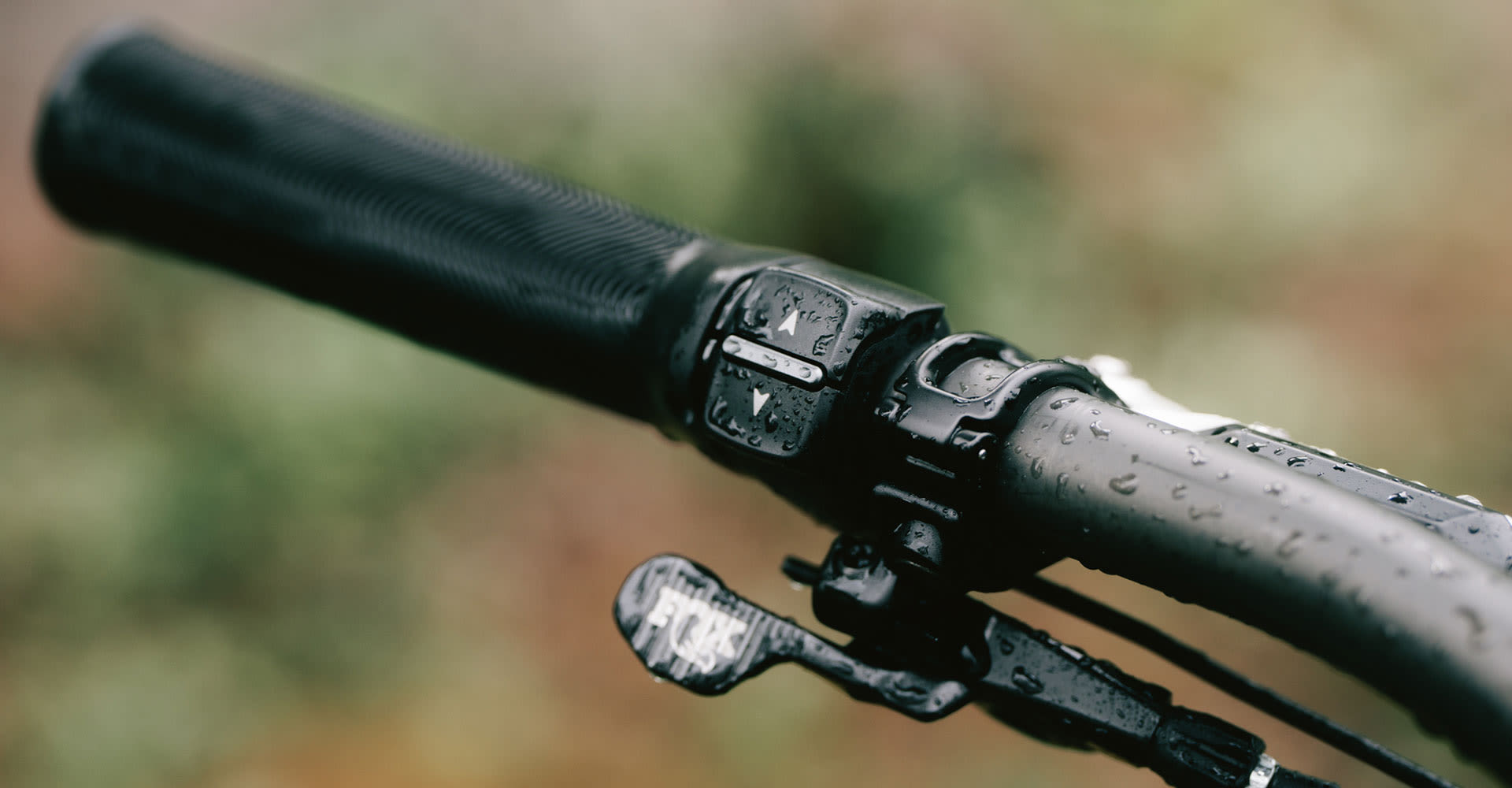
RideControl Ergo 4 puts all your key functions within easy reach. It features larger ergonomic buttons that make intuitive adjustments easier while riding. You can mount it on the left or right side, or add a second remote on compatible setups, for a clean, balanced cockpit designed for the way you ride.

Available exclusively on the latest Giant E+ System E-bikes.
ERGONOMIC. INTUITIVE. READY.

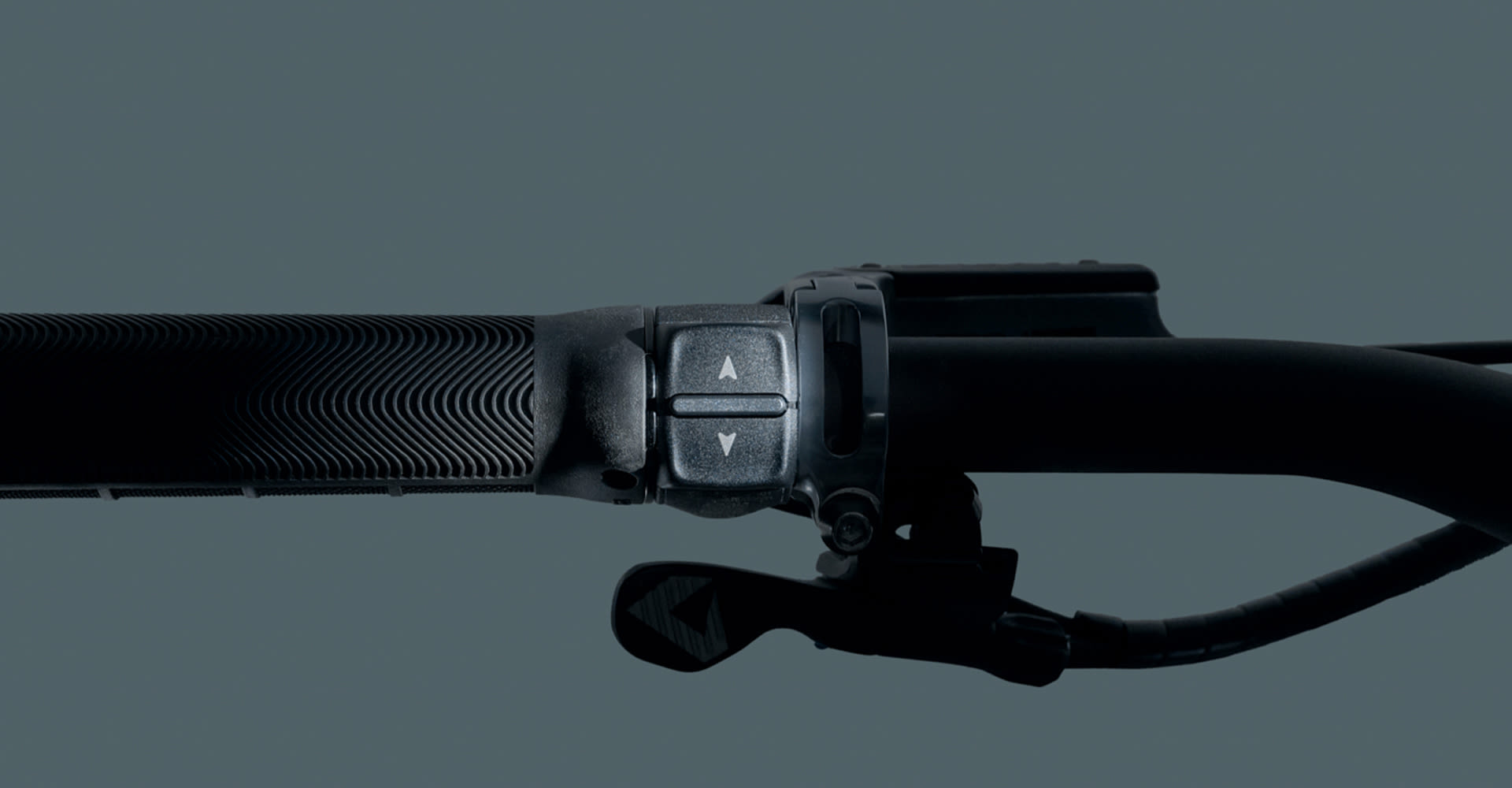
RideControl Ergo 4 makes every command feel natural. With a comfortable button layout, flexible mounting options, and dependable all-weather durability, control is simple, responsive and close at hand.

Pedal Icon.
COMFORTABLE BY DESIGN
Larger buttons sit within easy reach of your thumb, so every adjustment feels quick, comfortable and natural while you ride.
Support Control Icon
SUPPORT CONTROL
Two large buttons make it easy to change support modes without looking down, so your focus remains on the road or trail ahead.
Waterproof Icon
MADE FOR THE WET
IPX7 waterproofing adds all-weather dependability through wet and rainy conditions.
Built for real rides strong icon.
BUILT FOR REAL RIDES
Tested for impact, vibration and rough terrain, RideControl Ergo 4 gives you reliable control for all conditions.

LEFT, RIGHT, OR BOTH

RideControl Ergo 4 lets you set up your cockpit just the way you like. You can mount it on the left or right side, or add a second remote on compatible setups, so key functions are exactly where your hands expect them. On select E-shift-equipped models, support modes and shifting can be managed separately, making every adjustment simple, comfortable and close at hand.

PAIRED FOR THE JOURNEY

RideDash EVO 2.0 keeps route, range and ride data clearly in view, while RideControl Ergo 4 keeps control close at hand. Move through screens, adjust support levels, and manage key functions without having to reach for the display.

TWO REMOTES. ONE FOCUS.

On select E-shift-equipped models, a second RideControl Ergo 4 can separate support and shifting controls across the handlebar. Manage support levels on one side and shifting on the other, so every adjustment is intuitive and simple in all conditions.

TRAIL CONTROL WITH GO LUX

Pairing RideControl Go Lux with RideControl Ergo 4 lets E-MTB riders have quick and easy handlebar control plus ride data that’s clearly visible on the top tube. Move through screens, adjust support, activate Walk Assist, and manage daily functions without pulling focus away from the trail.

SERVICE & SUPPORT

Helpful support resources make RideControl Ergo 4 easier to position, pair and use with confidence. From left- or right-side mounting to button response, second remote setup and connection checks, these resources help keep control comfortable, intuitive and close at hand.

SET YOUR CONTROLS

Use these quick guides to support mounting, pairing and button setup. Each one focuses on simple actions that help keep support, shifting and daily ride functions exactly where your hands expect them.

Video RideControl Ergo 4 Overview
RideControl Ergo 4 Overview

FREQUENTLY ASKED QUESTIONS

Restart the E-bike and try again. Check that the buttons are not blocked by dirt, gloves, accessories or handlebar-mounted items.

Possible causes include dirt around the buttons, moisture, impact damage, incorrect operation or an internal issue inside the control unit.

Yes. Gently clean around the buttons with a soft, dry or slightly damp cloth. Do not use high-pressure water, strong chemicals or sharp tools.

If you cannot change support modes, turn the system off or control the E-bike normally, stop riding and contact an authorized Giant retailer. If the bike can still be controlled safely, ride with extra care and arrange an inspection as soon as possible.

Contact an authorized Giant retailer if the buttons remain unresponsive after restarting the E-bike and checking for dirt, obstruction or visible damage.