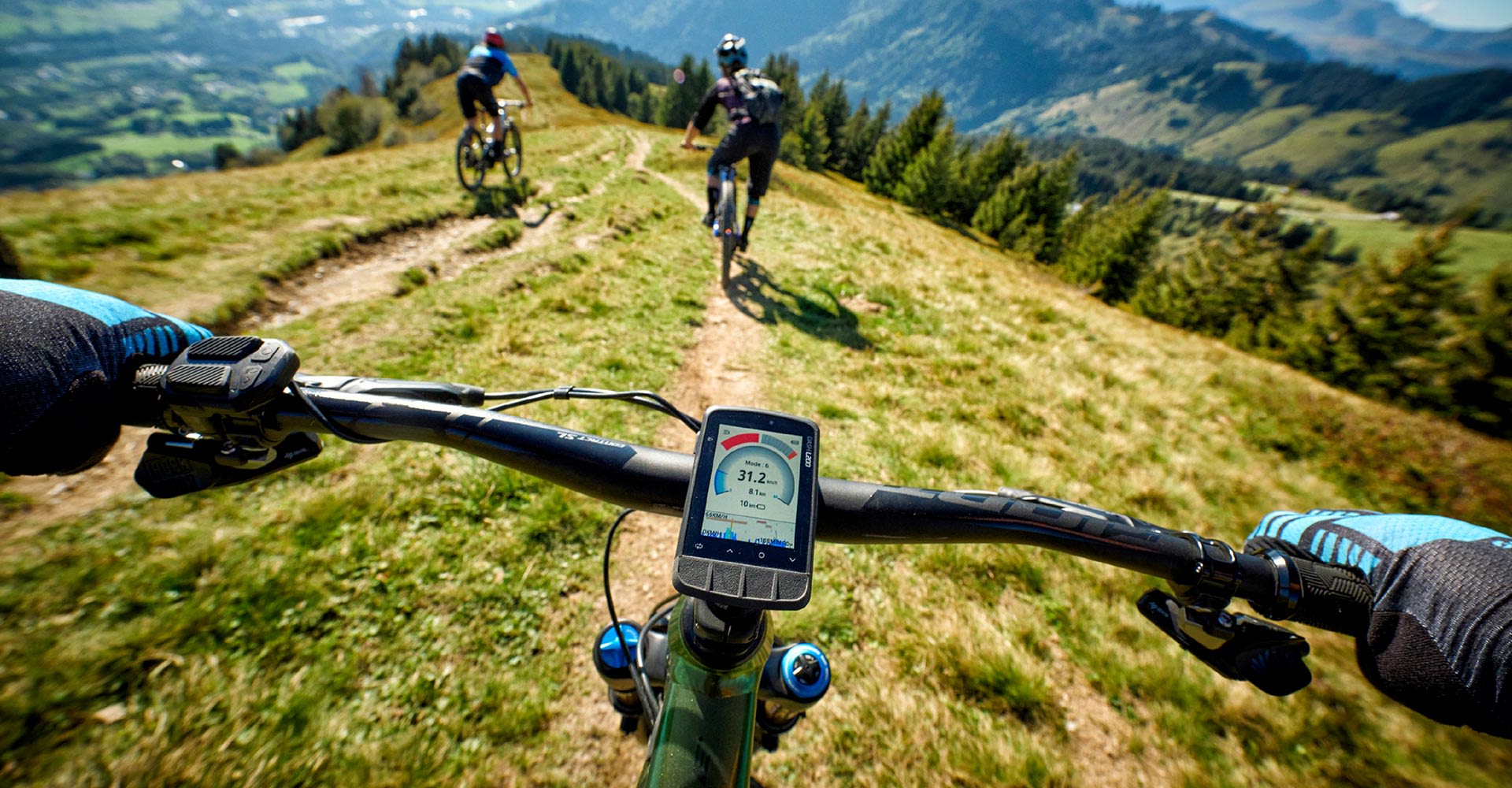
Dash M200 Computer
Giant의 완전히 새로운 Dash 사이클링 컴퓨터는 KOM, QOM 또는 지역 전설이 될 수 있는 비결을 공개합니다. 그 어느 때보다 쉽게 연결, 사용자 지정, 교육 및 탐색할 수 있습니다. Stages로 구동되는 Giant Dash L200 및 M200은 모든 라이딩 데이터를 명확하게 설명하는 실용적이고 정확하며 강력한 방법입니다.
스크린에 있는 QR 코드를 빠르게 스캔하여 Stages 사이클링 앱을 다운로드 한 다음 간단한 질문에 답하면 GIANT Dash는 라이더를 위해 빠르고 정확하게 정보를 구성합니다.


Dash M200과 L200 사이클링 속도계를 시작하는 방법은 여기에서 확인할 수 있습니다.
파워미터나 스마트 트레이너, 혹은 스마트 라이트를 ANT+나 블루투스로 쉽고 빠르게 페어링할 수 있습니다. Dash는 라이더의 모든 컨트롤을 하나의 기기에 연결할 수 있는 멀티-펑션 패널입니다.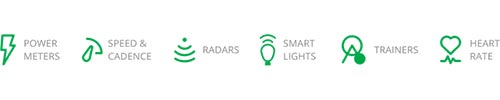
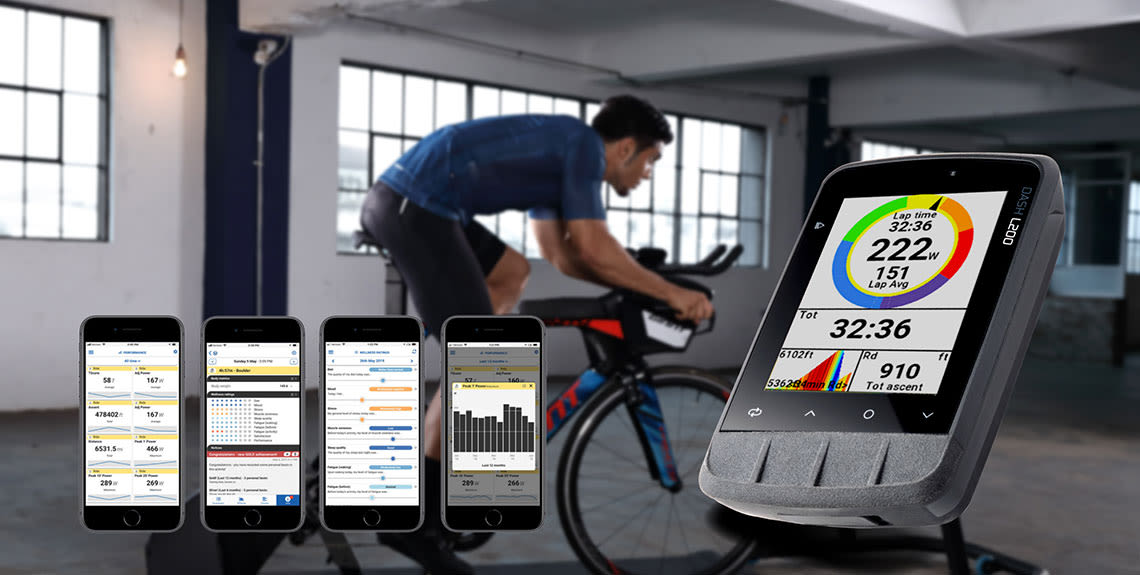
스마트폰을 Dash와 연결하여 중요한 메시지나 통화를 확인할 수 있습니다. 라이딩이 끝난 후에는 Stages Link 앱을 통해 Strava나 TrainingPeaks와 같은 써드파티 앱으로 라이딩 데이터가 즉시 업로드 됩니다.
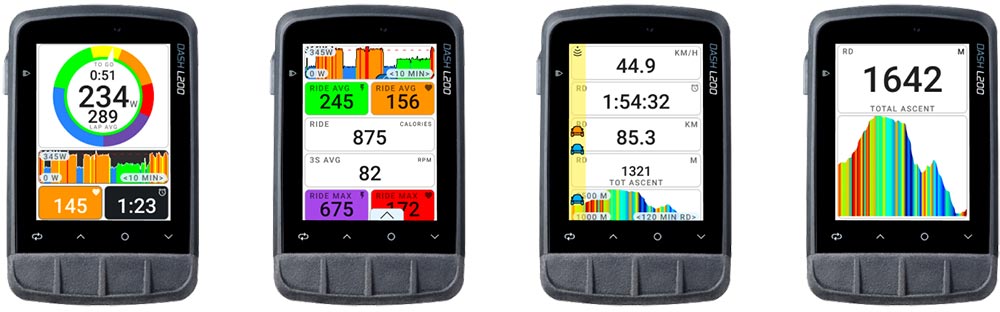
스마트 프로 파일은 로드, 그래블, MTB 혹은 E-바이크에 대한 속도계 세팅을 간편하게 만들었습니다. Dash는 자전거에 장착된 센서에 자동적으로 연결하고 특정 라이딩 경험에 맞게 데이터 필드를 구성합니다. 정보를 더 추가해야 하나요? 문제없습니다. 원하는 곳에 커스텀 패널이나 페이지를 추가하기만 하면 됩니다.
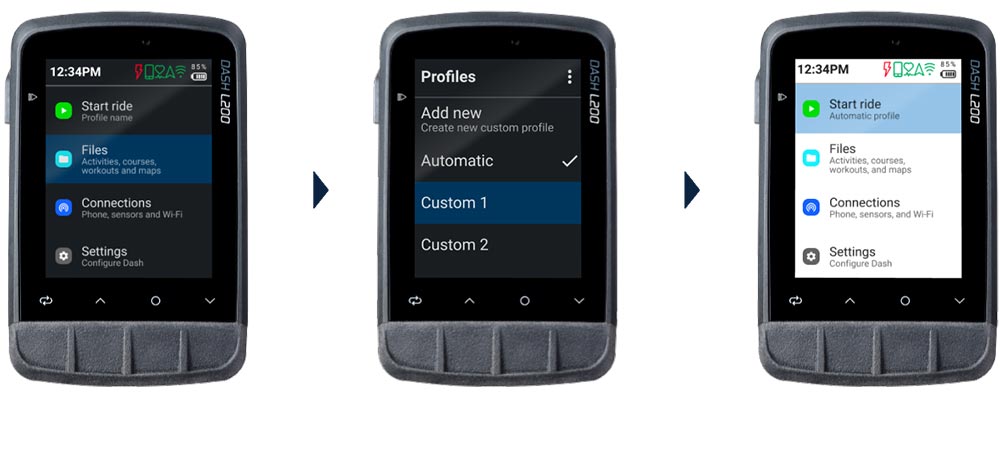
Stages Link 앱을 활용하여 Dash의 모든 스크린과 데이터 필드를 필요에 맞게 쉽고 빠르게 설정할 수 있습니다.
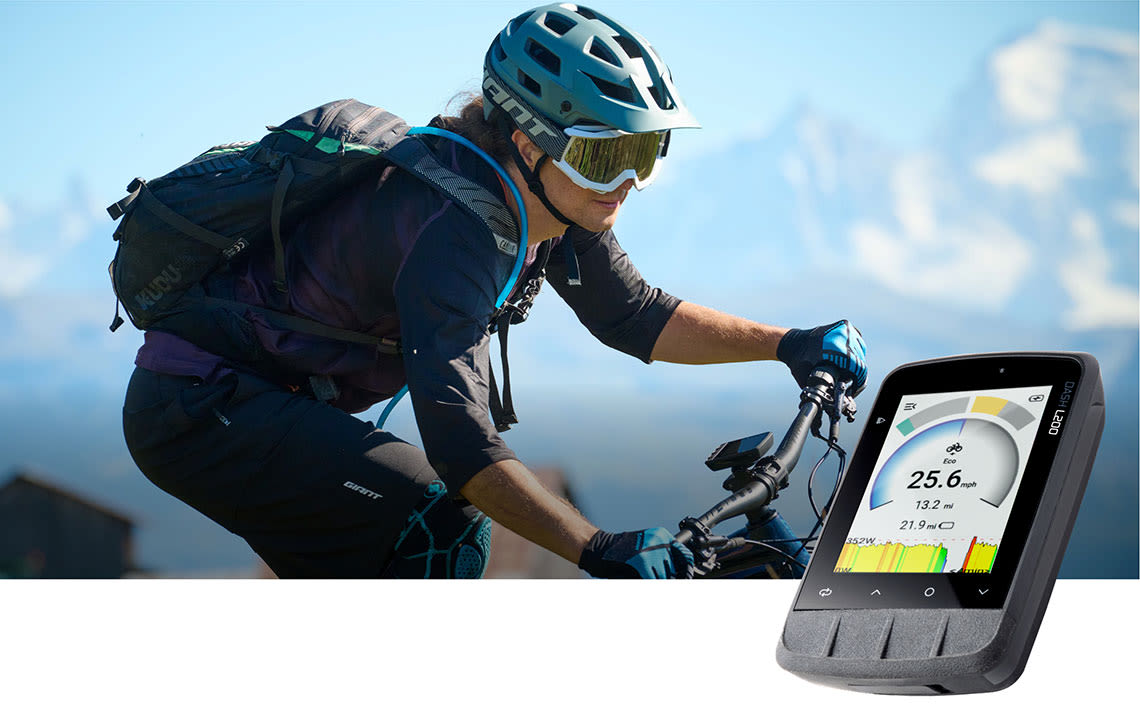
ANT+를 통해 GIANT E-바이크와 원활하게 연결하도록 설계된 Dash는 모터 모드와 파워 어시스트 출력, 그리고 배터리 수명을 보여주는 디스플레이로 활용할 수 있습니다.
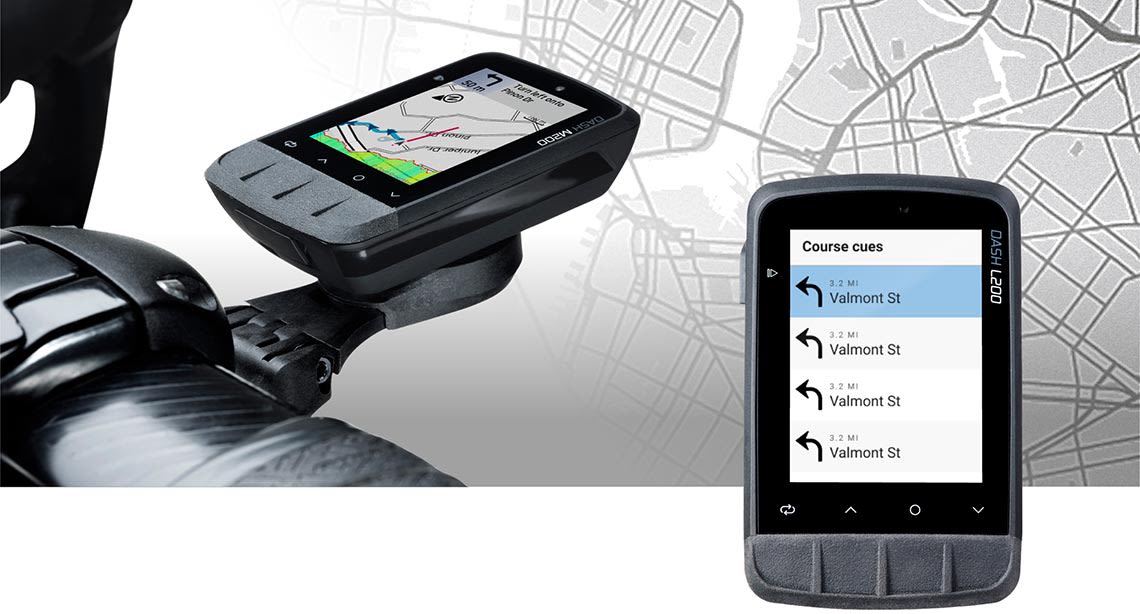
Dash M200과 Dash L200의 차이점은 무엇인가요?
Do I have to charge my Dash before I use it for the first time?
Yes, You must fully charge your Dash computer before using it for the first time. This wakes up the lithium-ion battery from sleep mode and makes sure your Dash will have optimal run time.
What should I do if my Dash computer battery drains too quickly?
Why does the backlight on my Dash computer turn off suddenly?
When the battery level drops below 20%, Battery Saver Mode will activate to give 2 to 3 more hours of running time.
Dash를 Strava 또는 TrainingPeaks와 같은 써드파티 앱과 어떻게 연결하나요?
Dash에 파워 미터 또는 심박 모니터와 같은 센서를 페어링하려면 어떻게 해야 하나요?
Dash M200과 Dash L200은 어떤 마운트를 사용할 수 있나요?
만약 제가 찾고 있는 답이 여기 없다면 어떻게 해야 하나요?
Stages 앱을 사용할 때 Wi-fi는 어떻게 연결하나요?
Stages 앱에서 지도를 다운로드 하려면 어떻게 해야 하나요?

Dash 속도계나 앱에 관해 궁금한 점이 있으시다면 여기에서 자세한 정보를 확인할 수 있습니다.