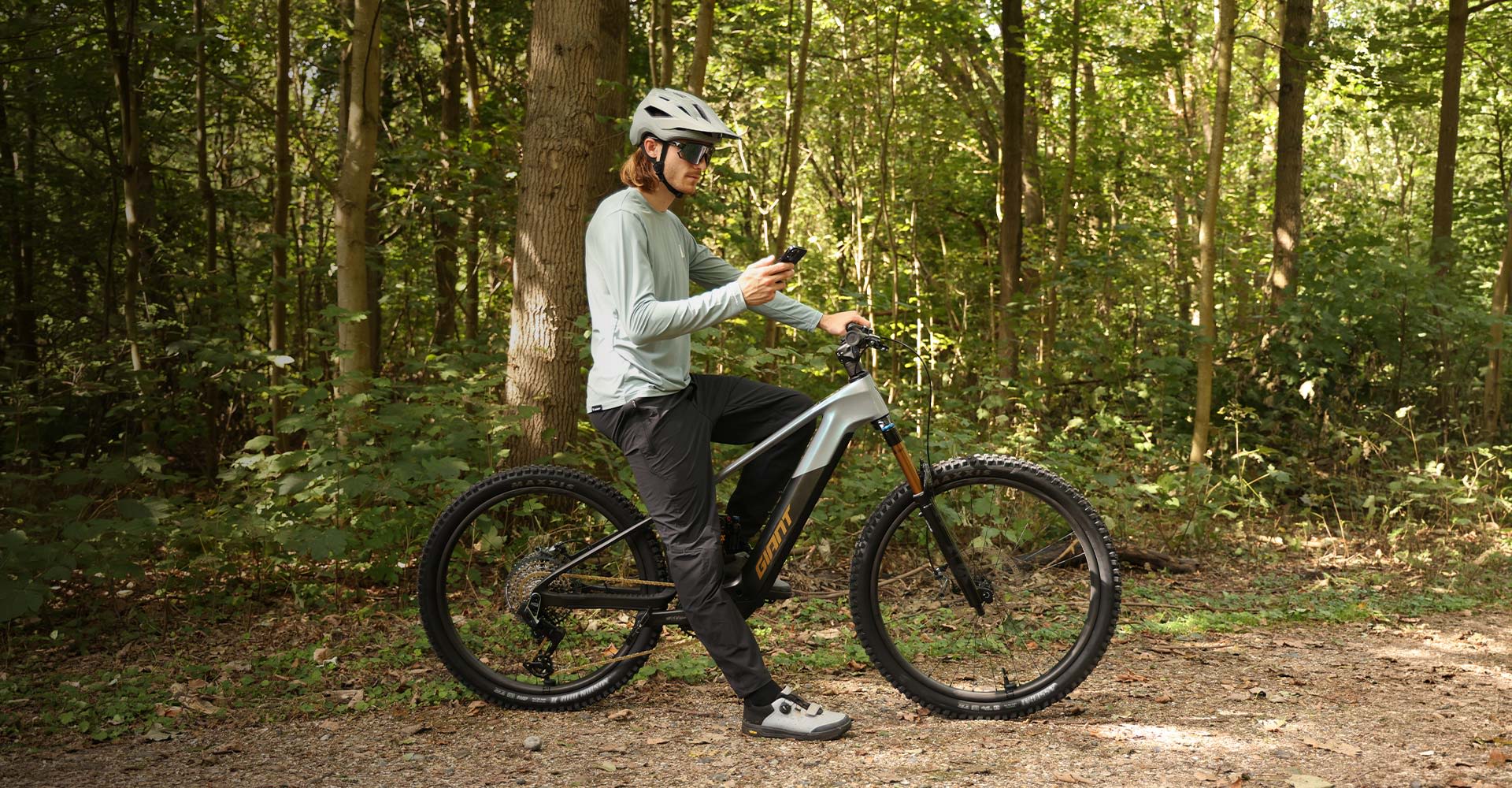
The RideControl App connects directly to the Giant E+ System, giving you full control to personalize ride modes, unlock advanced system features, and track ride data. One intuitive interface to make every ride smarter.
SyncDrive Motor
RideControl App
The RideControl App connects directly to the Giant E+ System, giving you full control to personalize ride modes, unlock advanced system features, and track ride data. One intuitive interface to make every ride smarter.
Registering through the RideControl App unlocks the full capabilities of the Giant E+ System. Activation gives access to advanced features including system security, firmware updates and connected services, while linking the bike to your Giant account for personalized settings.
Working together with Smart Gateway 2.0 and Aegis Safety Technology, the RideControl App adds intelligent protection. Features such as E-Lock, Apple Find My integration and system alerts help safeguard the bike while providing clear visibility and reassurance wherever the ride goes.
All riders are different, and the RideControl App makes it easy to tune the system to match individual preferences. Adjust support levels, torque output and acceleration characteristics to create a riding experience that feels natural for the terrain and your riding style. From smooth efficiency to stronger assistance, the system adapts to you.
All your ride data is available in one place. Track battery status, monitor performance, and stay connected to your ride. Integration with platforms like Strava and komoot lets you plan routes, record rides, and discover where to explore next.
Getting started is simple. Add your E-bike through the “My E-bike” section in the RideControl App, confirm your frame number, and complete the setup with your purchase details. Once registered, your E-bike connects to your Giant account, unlocking advanced features like E-Lock, Apple Find My, and system updates, while enabling a fully personalized riding experience.
Security becomes available from the moment it’s set up. Access E-Lock through your E-bike settings, enable the feature, and define how and when your E-bike locks. Once active, motor support is disabled when the E-bike is turned off, with automatic locking after inactivity and settings that adapt to how you use and store your E-bike.
Fine-tune how your E-bike responds with Motor Tuning in the RideControl App. Adjust support levels, maximum torque, and acceleration characteristics across each mode to create a riding experience that matches your terrain, effort and riding style.
Connect your favorite apps to the RideControl App and bring planning, tracking and security together in one seamless riding experience.
Connect to the RideControl App to customize your setup, track performance, and access connected features that keep everything working together seamlessly.

Take control of how your E-bike feels from the very first ride. Adjust motor tuning, display preferences and system settings, so your setup reflects your terrain, your pace and how you ride.

Adjust how your E-bike looks and responds at your fingertips. Customize display brightness, button configuration and interface settings to create a setup that feels clear, intuitive and easy to use in any condition.

Stay connected to your bike wherever it is. Apple Find My integration helps you locate your E-bike, receive alerts and maintain visibility, so it remains within reach and always protected.

Track every ride and monitor your progress over time. Ride Record captures distance, performance and ride history automatically, helping you stay informed and build a clearer picture of your riding.

Add and manage accessories directly in the RideControl App, so everything works together smoothly while you ride. From Tire Checker to controls, adjust settings and keep your setup aligned with how you ride.


Stay informed on every ride. Connect to the RideControl App to customize ride modes, monitor battery status, and track performance.

Do I need the RideControl App?
It’s not mandatory, but highly recommended. Download the RideControl App, activate your E-bike, and complete owner registration to unlock advanced features like E-Lock, Apple Find My, and more.
It’s not mandatory, but highly recommended. Register your Giant account, activate your E-bike, and complete owner registration to access advanced features like E-Lock and Apple Find My.
Do I need to activate my E-bike?
It’s not mandatory, but highly recommended. Your E-bike is activated by an authorized Giant dealer, unlocking advanced features including E-Lock and Apple Find My, and enhancing your riding experience.
Do I need to complete owner registration?
It’s not mandatory, but highly recommended. Completing registration unlocks advanced features such as E-Lock, Apple Find My, and more.
What should I do if the app shows "frame number not found" during E-bike activation?
What should I do if the app shows "invalid frame number" during owner registration?
What should I do if the app shows "This E-bike has been registered" during owner registration?
Can I register multiple bikes under the same Giant account?
Yes. You can add and manage several bikes from one Giant account, making it easy to keep all your rides connected.

Explore the full RideControl App manual for deeper insight into features, settings and system functionality, helping you understand every detail of your ride.